
Arc Overview
The top-down view of the Arc you are currently running, with progress, completion stats, and your high-level Arc goals.
Arc Overview is the page you open when you want to step back from a single day and see how the whole Arc is going. The header shows the Arc title, your current Arc day, the planned duration, and a progress bar.
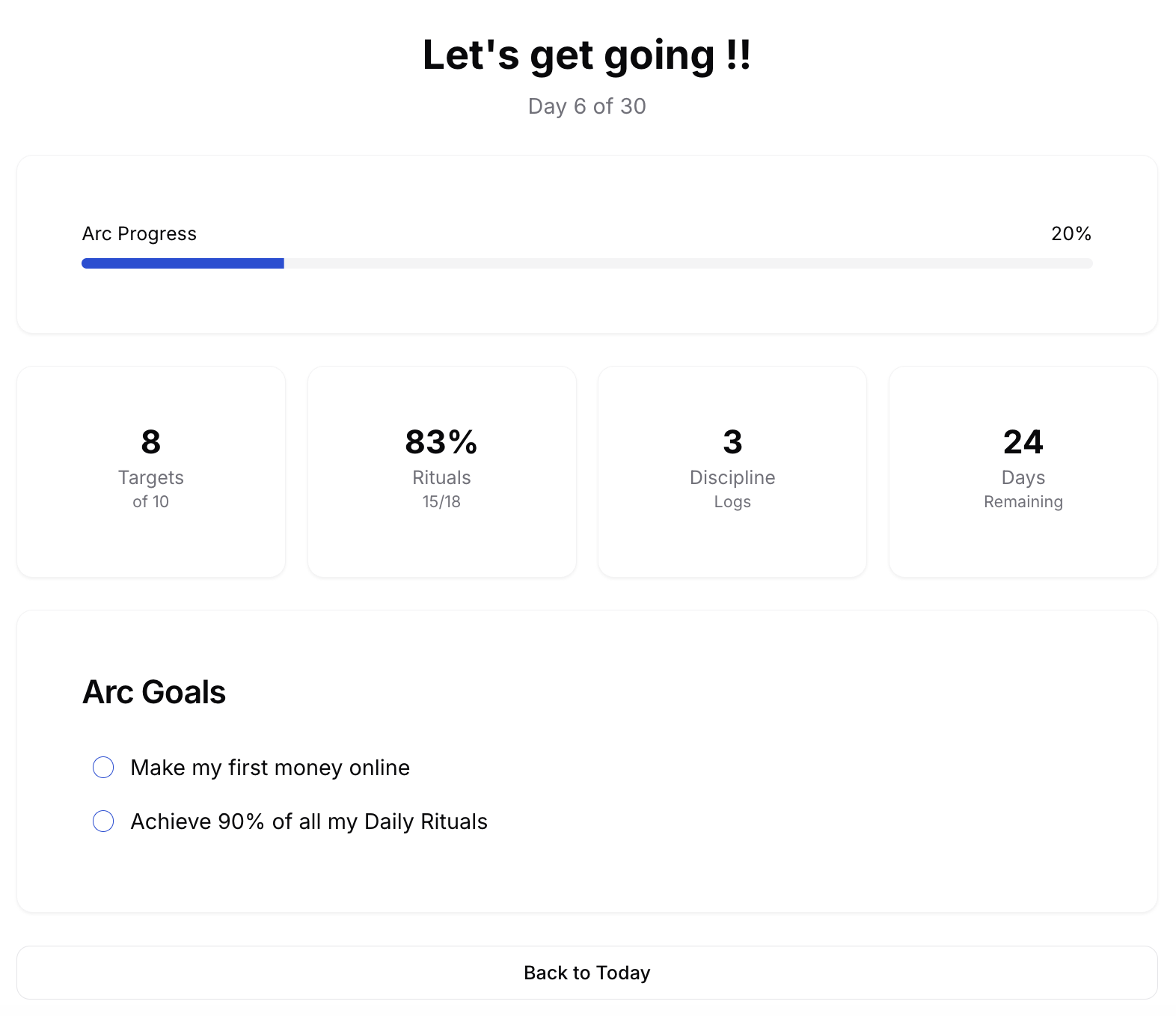
Below the header, a four-stat grid summarises the Arc so far: how many daily targets you have completed, your aggregate ritual completion rate as a percentage, how many discipline logs you have written, and how many days remain. Together these give you a neutral, data-driven view of how the Arc is actually going.
Below the stats sits the Arc Goals section, the high-level objectives you committed to for this Arc. Each goal has a checkbox you can mark when you reach it, and a goal can optionally be linked to a project milestone, in which case marking the goal also marks the milestone done. When every goal is checked, an End Arc button appears that takes you to the Arc closing flow.
How to use it well
Open Arc Overview at the end of each week. If your aggregate ritual rate is consistently below 80 percent, the Arc is telling you something. Either the rituals were wrong for this cycle or your bandwidth was different from what you assumed. Both are useful signals.